Exporting W3C log files from Microsoft IIS
IIS writes a header-driven format whose columns are ticked one by one. Here are the ones that count, and the box that is almost always missing.
The NessFlow team (Product engineering, NessFlow) · · 2 min read
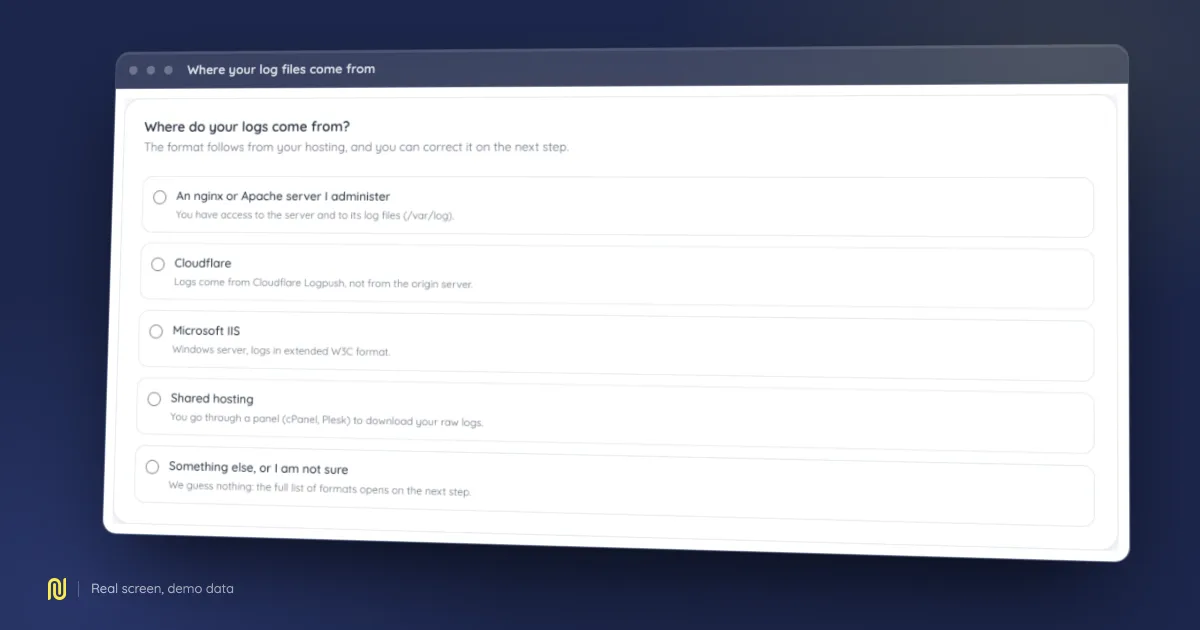
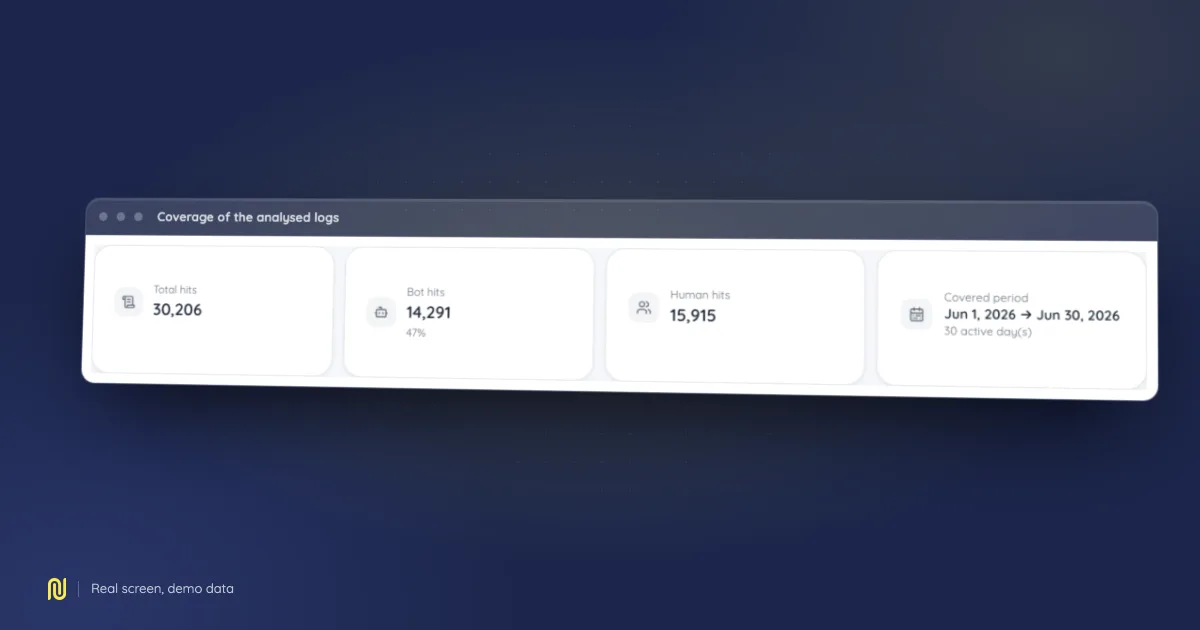
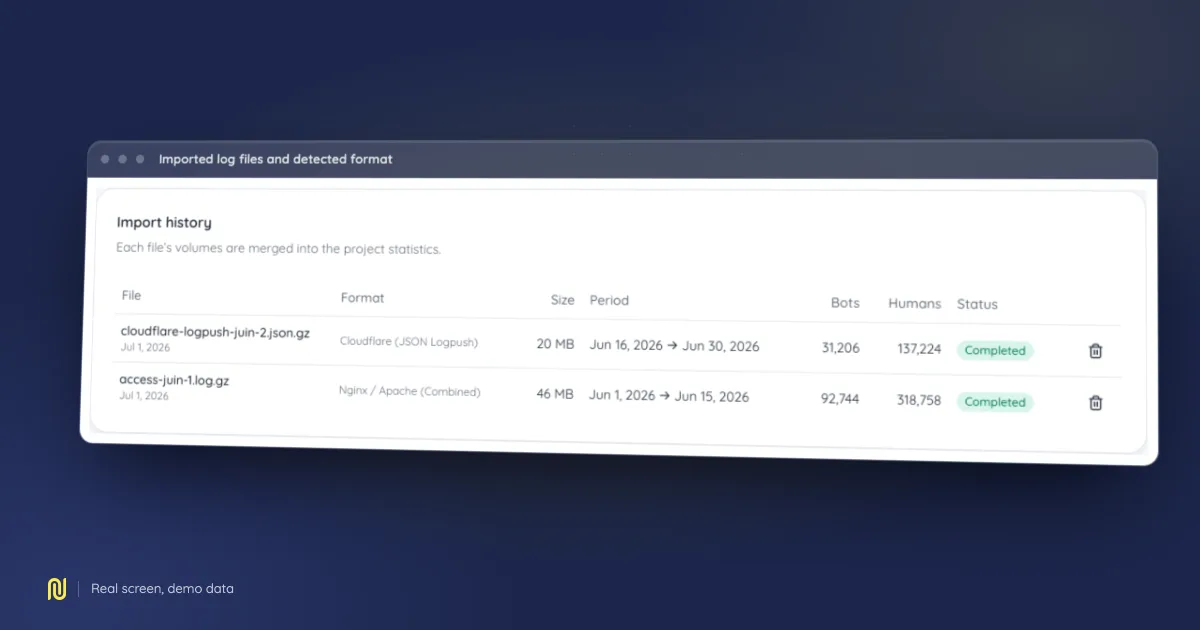
A real product screen, rendered on a fictional demo dataset: the figures shown belong to no client.
IIS records accesses in what is called extended W3C format. Its quirk is that each file opens with a header declaring which columns it contains, and that those columns are ticked one by one in the configuration. A badly configured IIS file is therefore perfectly valid, and perfectly useless.
Check which fields are recorded
Open Internet Information Services Manager, select the site, then Logging. The format must be W3C, not IIS and not NCSA. Then click Select Fields.
Four columns are mandatory:
dateandtime, the timestamp;cs-uri-stem, the path requested;sc-status, the status code;cs(User-Agent), the user agent.
The last one is almost always the missing one, because some default configurations leave it unticked. Without it no crawler can be told apart from a visitor, and the analysis counts all traffic as human.
Add cs-host if the server hosts several sites, and cs-uri-query if your URLs carry parameters that change what is served.
A change that does not reach backwards
Ticking a missing column only affects lines written afterwards. Files already produced keep their original header and their original columns. If you have just added the user agent, let several days pass before collecting, or your export will mix usable lines with unusable ones.
Collecting the files
The default folder is %SystemDrive%\inetpub\logs\LogFiles, with one subfolder per site named W3SVC followed by the site identifier. That identifier is the ID column in the manager's site list.
Files are split by day, named like u_ex260712.log. Zip them together and upload the archive as is.
Timestamps are in universal time
IIS writes dates in coordinated universal time regardless of the server's own zone. This is not a misconfiguration and you should not try to correct it: it is the format's convention, and the analysis knows it. It does explain why the peak hours you read may look shifted against your real audience.
Next
Declare Microsoft IIS as your origin in the wizard and the W3C format is selected for you. Each file's header is read as the analysis starts, so the columns you chose are recognised even if your selection differs from the one above.
What comes out of it is covered in our guide to server log analysis, and on the log analysis module page.