Skip to content
NessFlow
Menu

Engineering notes

What we measured while building this product, with the code, the numbers, and the date each number was taken. Every figure here is an observation, not a property.

All pieces

Diagram: Two build entries, in the NessFlow architecture.

featured

A modern marketing site without a modern front-end stack

Our public site ships 4,323 bytes of gzipped JavaScript. No CDN, no front-end framework, no flat-file CMS, no headless CMS and no second build pipeline. It runs inside the same Laravel application as the product it sells, and one of its perfect scores turned out to be wrong.

Tarek Morgene · · 11 min read

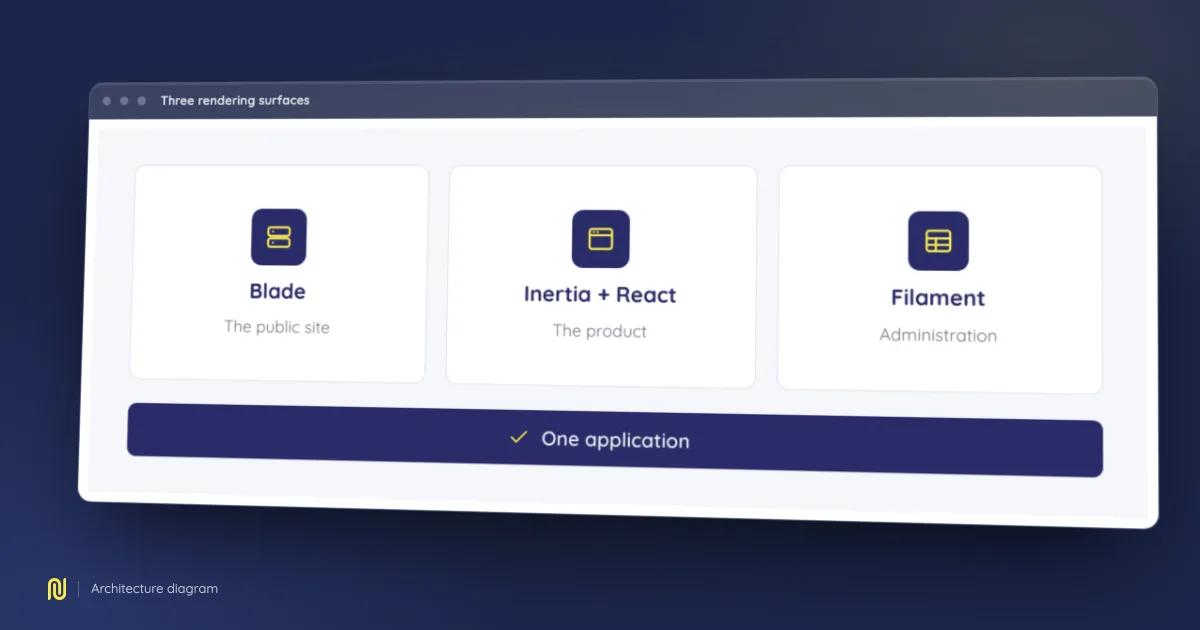
Diagram: Three rendering surfaces, in the NessFlow architecture.

Blade, Inertia and Filament, on purpose

Three rendering worlds share one Laravel application: Blade for the public site, Inertia and React for the product, Filament for the admin console. We chose all three up front and would choose them again. What follows is what the seams between them actually cost, in code.

Tarek Morgene · · 10 min read

Diagram: The log pipeline, in the NessFlow architecture.

Millions of log lines in PHP, at constant memory

We parse server access logs at around 85,000 lines per second with a peak memory footprint of 44.5 MB. That footprint does not move when the file gets bigger, and it does not move when the data gets more varied either. This is how the pipeline is built, and why we did not use a log analyzer.

Tarek Morgene · · 9 min read

Start with a measurement, not a promise

Run an audit on your own site and read what the engine finds. If you would rather be walked through it, book a demo: we run it on your site, with your own URLs on screen.

Access opens in waves: we email you when yours is ready.