Redirects, canonicals and status codes: which URL gets indexed
Three families of signal decide which address an engine keeps, and they contradict each other far more often than teams expect. The six most common contradictions, and the three checks that tell you where you stand.
The NessFlow team (Product engineering, NessFlow) · · 4 min read
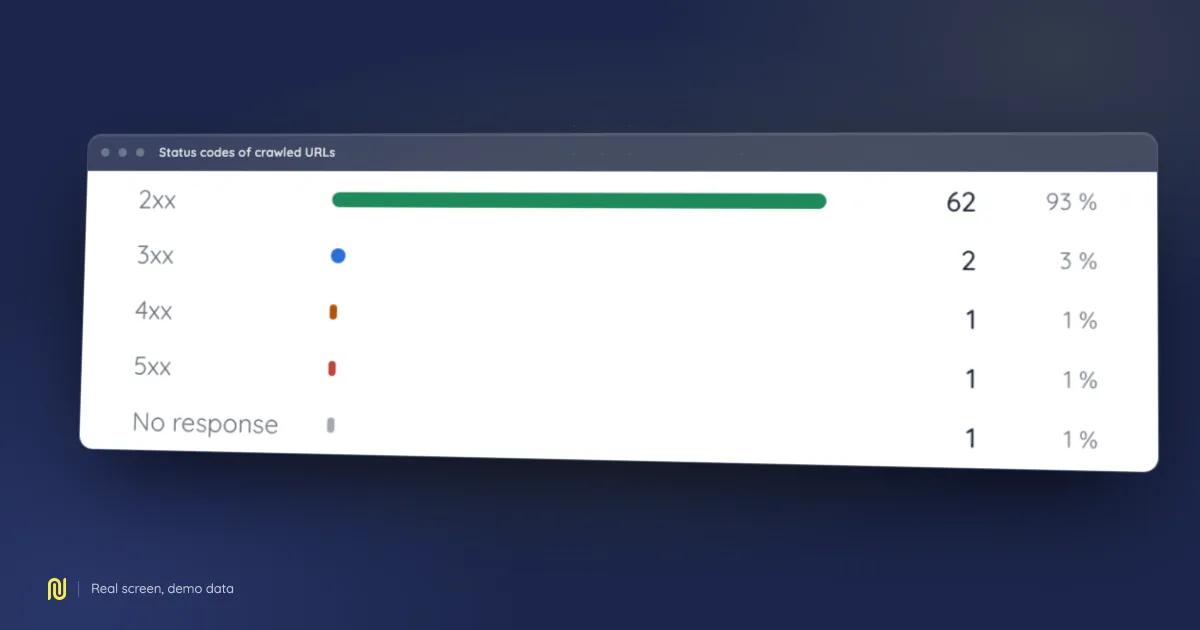
A real product screen, rendered on a fictional demo dataset: the figures shown belong to no client.
"The site has ten thousand pages and Search Console indexes three thousand." The question is nearly always framed wrong. It is not how many pages exist: it is which one, among the four or five addresses serving the same document, an engine kept, and why it is not the one you assumed.
One page, several addresses
Take a product page. It answers over http and https, with and without www, with and without a trailing slash, with a campaign parameter, with a sort parameter, from a category path and from a search path. None of these variants is a mistake: each came from a reasonable decision, taken on a different day, by someone who was not thinking about indexing.
An engine has to choose. It groups the addresses it considers equivalent and appoints one as the representative, the one that will appear in results and accumulate link equity. Three families of signal feed that choice: status codes, redirects, and the canonical. It is their contradiction, not their absence, that produces the surprising outcomes.
What a status code says, and what it does not
200: here is the document. Nothing more: a200does not say the page deserves indexing, and an error screen served with200is the most common trap of all.301,308: this address has moved, permanently. It is the only pair that asks an engine to move the representative to the target.302,307: this address is temporarily served elsewhere, so the original stays the representative. A redesign redirect left on302for six months is one of the most frequent causes of "our new URLs are not ranking".304: nothing has changed since your last visit. Useful for crawling, irrelevant to indexing.404,410: this address does not exist, or no longer does.410is more explicit; both end in the same place,410slightly faster.5xx: I cannot answer. An engine then slows its crawling and comes back later, so a prolonged outage costs twice: what it stops from being indexed, and the pace it takes away from the rest of the site.
⚠️ The trap nobody sees: the status code is not what your visitor sees. An application router can display "page not found" while answering 200, and a gateway can rewrite a server error into a holding page. That is why the check belongs to an HTTP client, never to the eye in a browser.
The canonical is a hint, not an order
<link rel="canonical"> declares the address you consider representative. An engine takes it into account; it does not obey it. When the canonical contradicts the other signals it is discarded, and that arbitration is reported nowhere.
The other signals are the actual redirect, the internal links pointing at a variant, the sitemap declaring another one, the hreflang set that must be reciprocal, and the canonical the target page carries itself.
The six most common contradictions
- A canonical pointing at a redirecting URL. You appoint a representative that sends visitors elsewhere. The whole signal is dropped.
- A canonical pointing at a
noindexpage. You appoint as representative a page you are separately asking to stay out of the index. The two instructions cancel out, and which one wins is not predictable. - Redirect chains. A to B to C to D. Every hop costs crawl time, and past a few hops an engine gives up. Chains build themselves, by sedimentation of successive redesigns.
- A broken relative canonical.
href="/product"written in a template served from two hosts: the canonical then designates a different address depending on the host, so it groups nothing at all. - Parameters. Sorting, pagination, filters, campaigns: every combination is an address. Without a canonical you get thousands of near-identical pages; with a canonical set too broadly, page 2 of a listing disappears although it carries unique content.
http/httpsandwww. All four combinations answer, none redirects, the canonical is relative: the site exists in four copies, and link equity in four shares.
How to check
Three checks, from cheapest to most conclusive.
The HTTP client. Follow the whole chain without hiding it:
curl -sIL https://your-domain/a-page | grep -i '^HTTP/\|^location:'
You see the real sequence of codes and hops. Compare it with what you believed you were serving, that is where most of the surprises live.
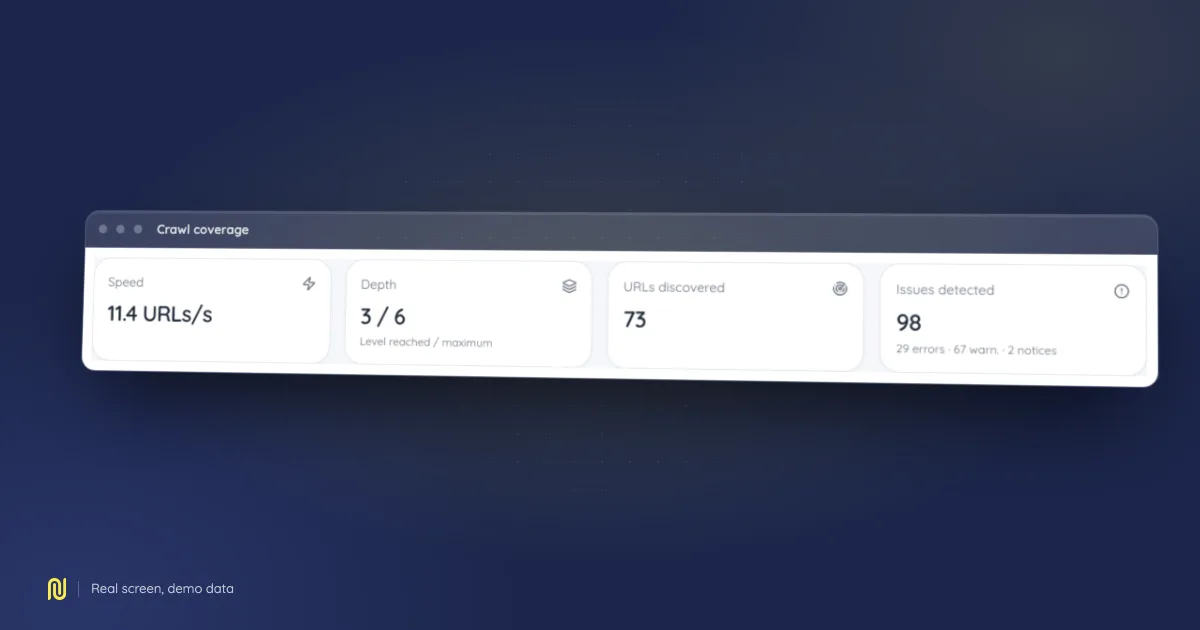
The crawl. A full crawl says what the three signals are worth together: how many canonicals point elsewhere, how many chains exist, how many addresses no internal link reaches. A page-by-page check cannot answer those questions: they are properties of the graph, not of the page.
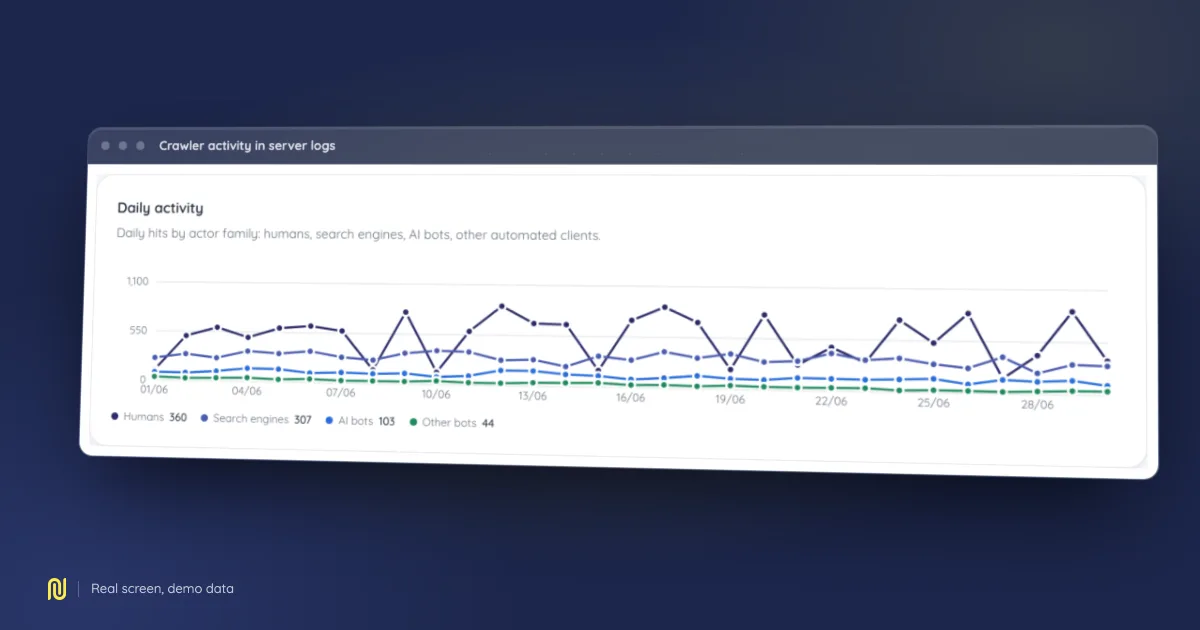
Server logs. The only check that speaks about the real world: which addresses the bots actually requested. If your logs show crawlers busy walking sort variants, the question stops being theoretical; your crawl budget is already going there.
What is left to decide
None of the rules above is ambiguous. The hard part is knowing where you stand: listing the addresses, reading their codes, comparing their canonicals, and looking at what the logs confirm. That is inventory work, not expertise. This guide describes the method; the module page says what a tool records on your behalf, and what it will never decide for you.