JavaScript SEO: getting a single-page app crawled
Why your React or Vue app looks empty to audit tools, how to check what an engine really sees, and the five defects that show up on nearly every project.
The NessFlow team (Product engineering, NessFlow) · · 4 min read
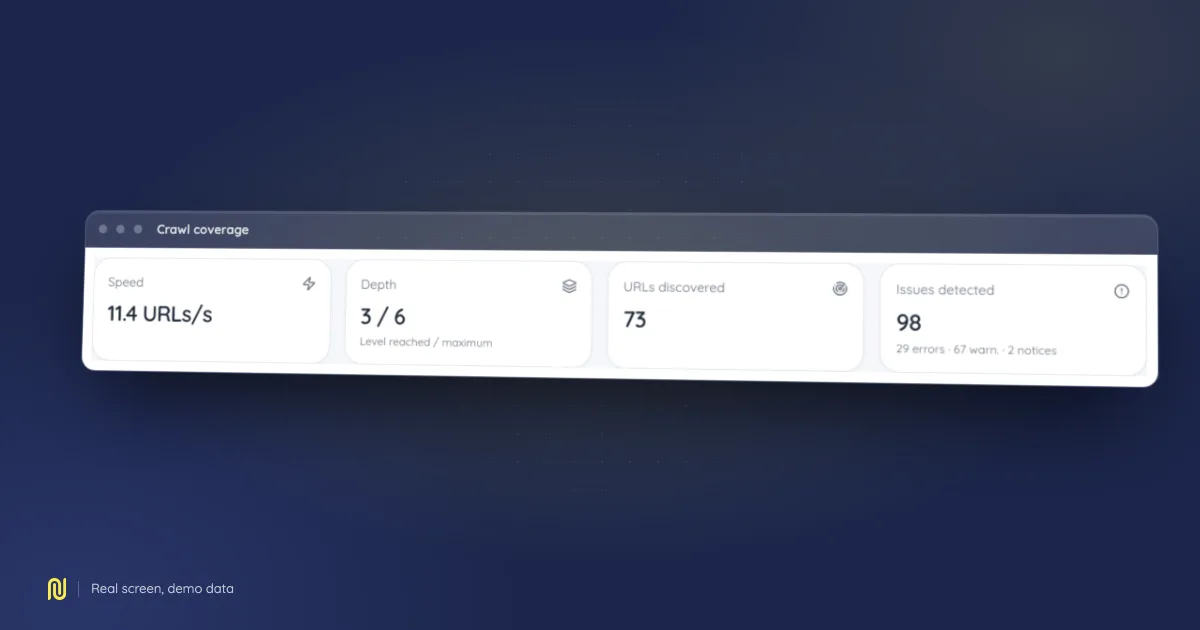
A real product screen, rendered on a fictional demo dataset: the figures shown belong to no client.
"Our site is invisible on Google" is rarely a content problem when the application renders client-side. It is almost always a problem of what exists at the moment someone looks.
The misunderstanding
An HTTP request to your page returns HTML. On a single-page application, that HTML contains an empty container and a script tag. All the content appears afterwards, when the browser runs the JavaScript.
Three classes of reader handle that differently:
- A crawler that does not render sees the empty container. It concludes the page has no useful title, no text and no links, and it is right, about the document it received.
- A modern search engine renders, but in a queue separate from the initial crawl. The delay is variable and not contractual.
- An AI answer engine depends on its own crawler; not all of them run JavaScript.
Practical conclusion: what your visitor sees is not what half your automated readers receive.
Verify, in three checks
1. The raw HTML
curl -s https://your-domain/a-page | wc -c
curl -s https://your-domain/a-page | grep -o '<title>[^<]*</title>'
If the body is two kilobytes and the title belongs to the whole application rather than to the page, you have your answer.
2. The rendered page
Render the same page with a headless browser, then compare the amount of text and the number of links against the raw HTML. The gap is exactly what a non-rendering reader loses.
3. The server logs
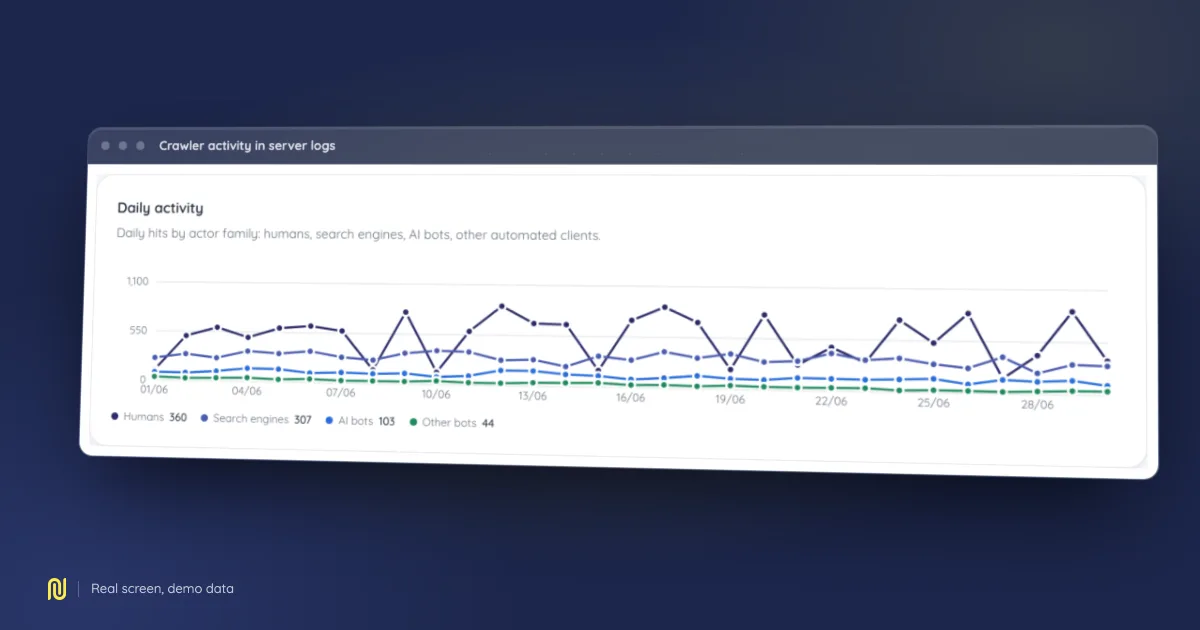
The check nobody runs, and the most conclusive. Look at whether crawlers request your application routes or only the root. If you only see the root, your routes are not discoverable: the problem sits upstream of rendering.
The five most common defects
1. Links that are not links
Navigation built with onClick and a JavaScript router produces no <a href>. An engine does not click: it follows links. The rule is simple and has no exceptions: every reachable route must be reachable through an <a> carrying a real href. The router can intercept the click afterwards; the attribute has to exist.
2. Identical metadata everywhere
Title and description are set in the application shell and never updated on navigation, or updated too late. Result: every page carries the same title. With deferred rendering, only the initial state counts.
3. Wrong status codes
A non-existent route renders a "page not found" component… while answering 200. To an engine those are thousands of valid pages with identical content. A missing page must answer 404, and a redirect must be an HTTP redirect; not a screen swap.
4. Content behind an interaction
Tabs, accordions and "show more" buttons that only load their content on click make that content invisible to every automated reader. If it counts for your visibility, it belongs in the rendered document, hidden with CSS if need be.
5. Hydration failing silently
The nastiest case, because it never shows in development. A JavaScript error on one particular page (an unusual dataset, an unhandled locale) halts rendering. The visitor sees a half-built page; the automated reader sees an empty container. Without production error monitoring this can run for months.
What to decide
There is no single right architecture, there are three, and content decides:
Server rendering. The server produces complete HTML. Safest, most expensive to maintain. Recommended as soon as content is your acquisition channel.
Static generation. Pages are produced at build time. Ideal for documentation or a slow-moving catalogue. Wrong for anything user-dependent.
Client-only rendering. Fine for an application behind authentication, where nothing is meant to be indexed. The one case where JavaScript SEO does not arise, because there is nothing to crawl.
The expensive case is the middle one: a public application rendered client-side, expected to have the visibility of a server-rendered site. Workarounds exist; every one of them adds a moving part.
Verify after fixing
Three checks, in order:
- The raw HTML carries the page's title, description and links, not the application's.
- A crawl with rendering and a crawl without find the same number of links. If a gap remains, some links are still produced in JavaScript.
- The logs show crawlers requesting your routes, not just the root. That is the only proof discovery works.
The third check is the only one that speaks about the real world. The first two say what an engine could see; that one says what it actually asked for.